Many organizations invest time and resources in building a CRM system, but surprisingly few document it properly. According to industry research, fewer than 40% of CRM implementations achieve full-scale adoption within companies, mainly because of poor change management and lack of internal strategy. One of the most effective ways to avoid this problem is through structured documentation.
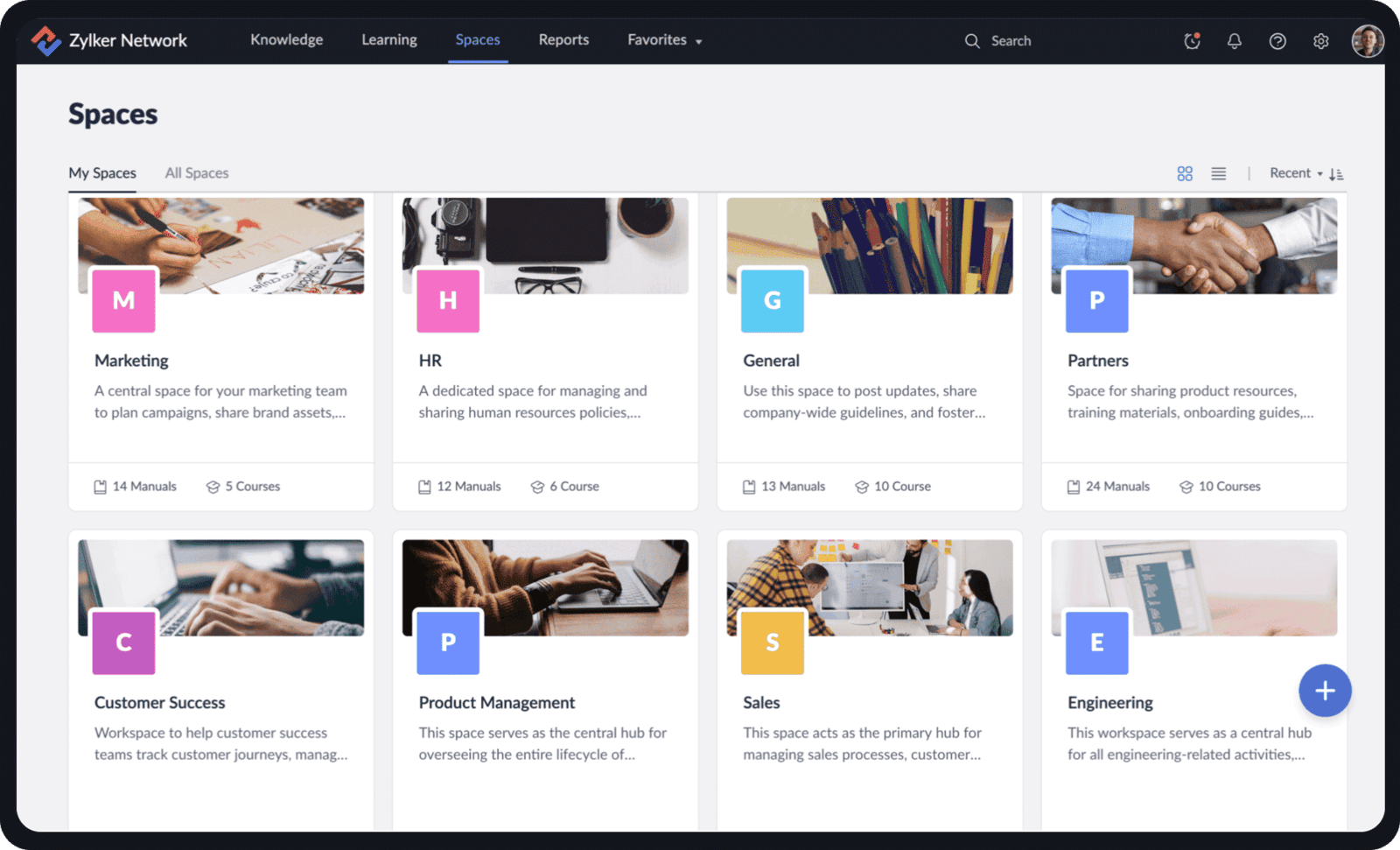
When administrators or developers leave the company, documentation ensures that new team members can understand how the CRM was built and why certain automations exist. Without it, knowledge is lost, and even small changes can break important workflows.
A CRM is a living system. Workflows, custom functions, and APIs evolve. Having a clear record of each automation including triggers, actions, and logic prevents redundant work and allows teams to scale confidently. It also simplifies error tracking when updates are deployed.
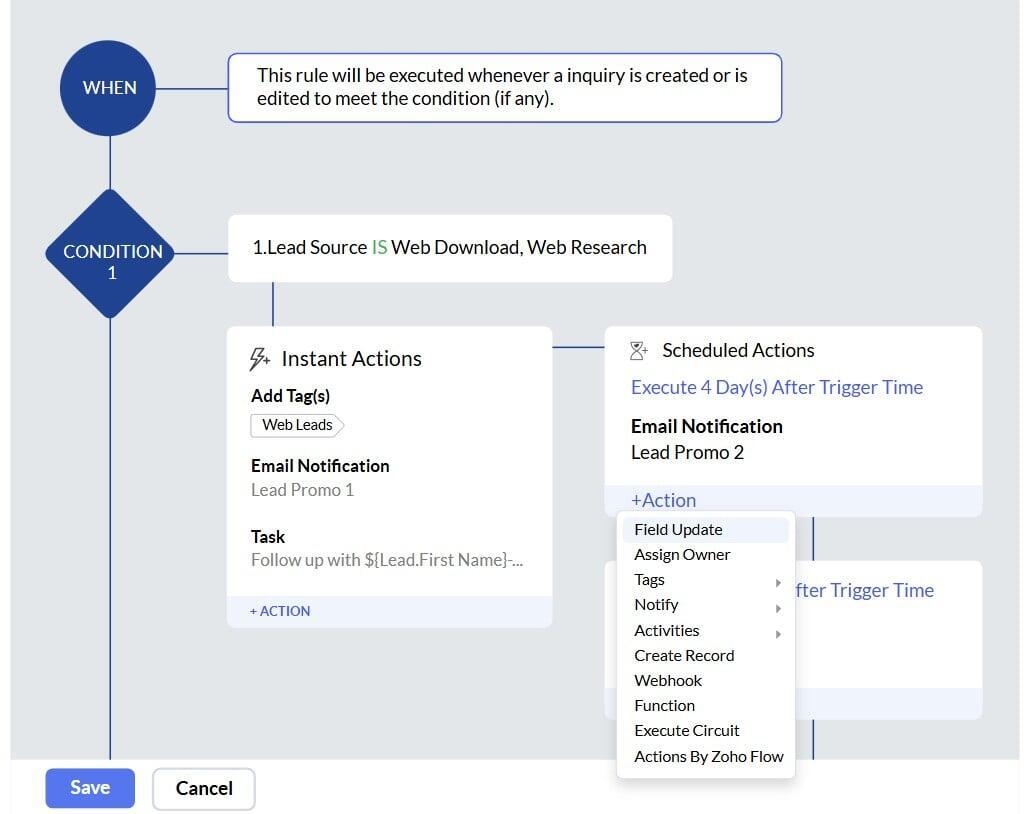
Comprehensive CRM documentation not only speeds up the onboarding of new administrators and users but also lays the foundation for future integrations. By clearly defining workflows, data structures, and system logic, teams can expand the CRM with other tools, such as Zoho Books, Zoho Creator, or external APIs without disrupting existing processes. Well-documented systems ensure that every connection is made with accuracy, consistency, and confidence.
Below is an example of the documentation we have developed for one of our clients. In this case, the “Mis Trámites” module includes several automation scripts, such as capitalizePlacaOnEdit. Documenting each one including its purpose, logic, and dependencies, ensures that any modification or debugging process is traceable and safe.

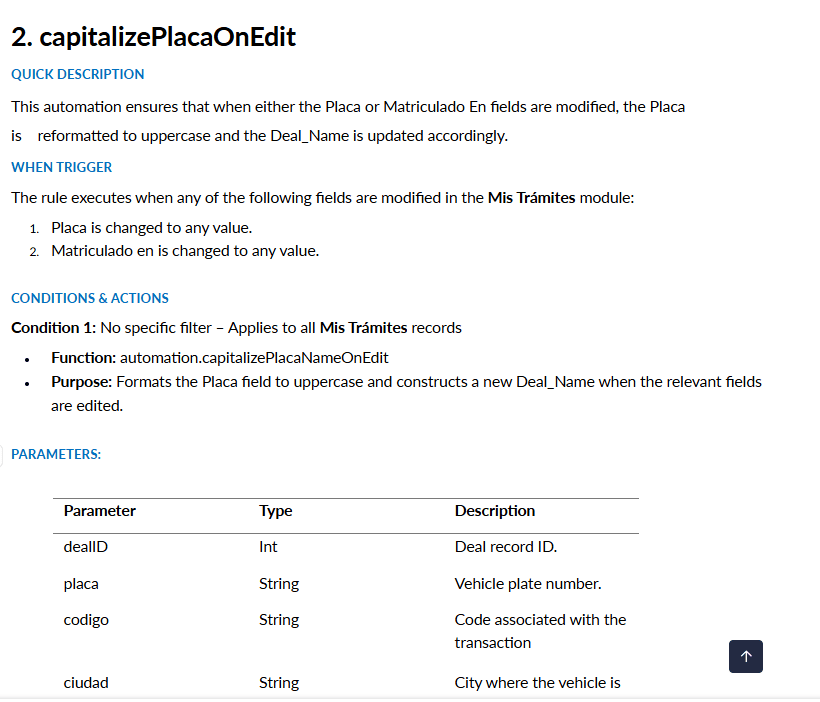
Mis Trámites module
Why CRM Documentation Goes Beyond Maintenance
Although documentation supports day-to-day maintenance, its true value extends far beyond problem-solving, it serves as the backbone of organizational continuity. As a CRM grows in complexity, incorporating multiple modules, workflows, and custom functions, documentation becomes the only reliable way to maintain visibility over all processes. It gives decision-makers the confidence to scale operations or modify automations without jeopardizing data integrity.
Moreover, documentation helps bridge the gap between technical and non-technical teams. Business managers often rely on reports, dashboards, and automated notifications created by developers. With proper documentation, both teams can communicate in a common language, ensuring that the system’s logic reflects the real needs of the business. This alignment between technology and strategy is what turns a CRM into a sustainable long-term business tool.
In companies that use Zoho CRM, for instance, documentation can serve as a blueprint for replicating successful configurations across new branches or departments. Instead of rebuilding each rule from scratch, a documented setup provides clarity on which workflows already exist, which fields they depend on, and how they interact with external services. This saves countless hours of redundant work and prevents inconsistencies across environments.
Key Elements Every CRM Documentation Should Include
For CRM documentation to be effective and sustainable, it must follow a consistent structure. Below are some essential components that every organization should include:
Module Overview
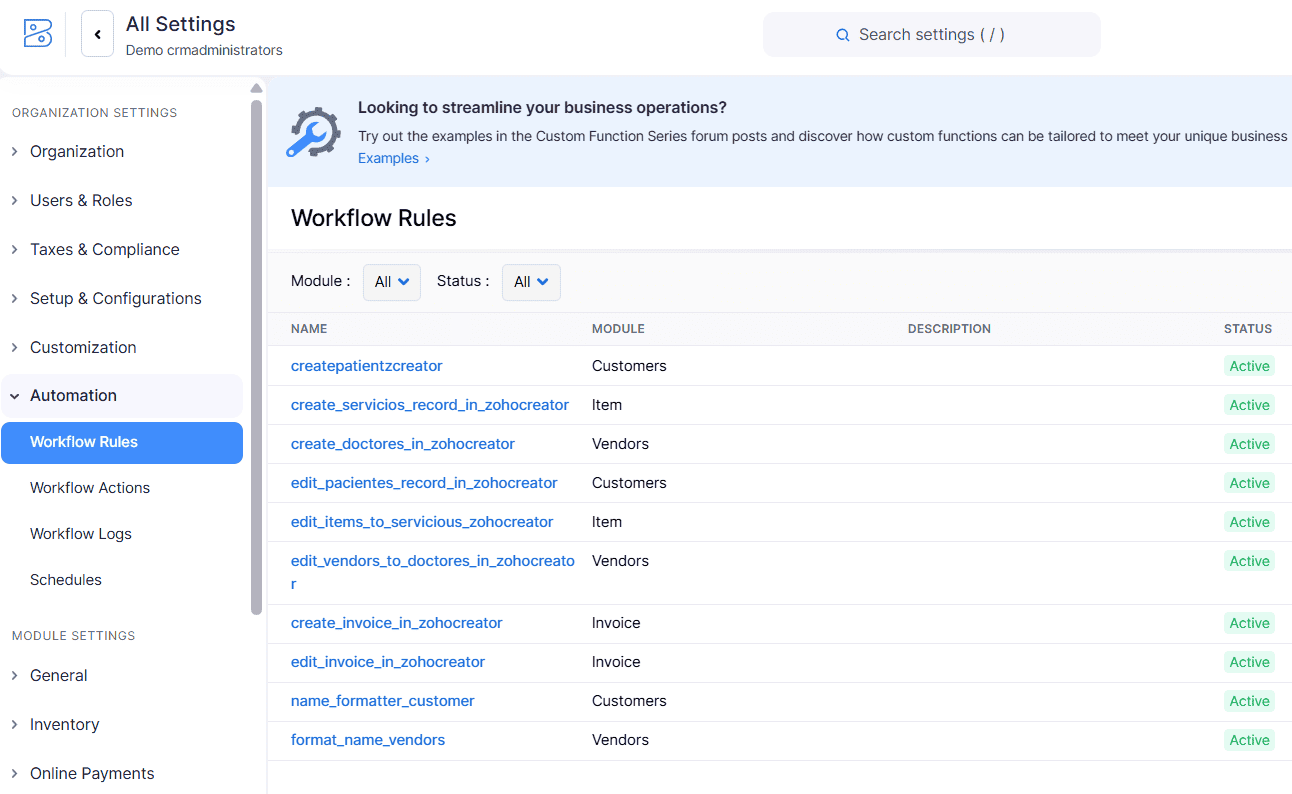
Automation Inventory
List all workflows, custom functions, and blueprints, explaining their triggers and outcomes. This ensures transparency in how information flows and which rules are applied.
Field-Level Details
Integration Map
Change Log
User Roles and Permissions
Define each profile’s access levels to prevent security breaches or unauthorized changes in workflows.
Practical Benefits for Businesses
Well-written documentation provides tangible benefits to the organization:
Faster Onboarding:New employees understand existing processes in less time, reducing the learning curve.
Lower Dependency:The system no longer relies solely on a few key individuals.
Operational Efficiency:Clear processes minimize duplicated efforts and improve collaboration.
Audit Readiness:Documentation simplifies compliance with regulations and data protection standards.
Informed Decision-Making:Managers can identify redundant workflows or outdated functions and make decisions based on documented evidence.
These benefits become especially important for companies experiencing growth, staff turnover, or frequent system updates.
Best Practices for Maintaining CRM Documentation
At CRM Administrators, we are passionate about documentation and include it as a core part of our Quality Assessment process. Creating documentation is only the first step; to keep it truly valuable, as a organizations must treat it as a living document that evolves alongside the CRM.
Some best practices include:
Assign Responsibilities:Designate one or more people responsible for updating the documentation whenever a new automation or module is added.
Version Control: Store the documentation in a shared repository (such as Zoho WorkDrive, Confluence, or Google Docs) with version control enabled.
Use Visual Aids:Diagrams, flowcharts, and screenshots make it easier to understand complex workflows.
Establish a Review Cycle:Review the documentation quarterly or after each major update to ensure accuracy and relevance.
Encourage Feedback:Allow team members to suggest clarifications or report inconsistencies, keeping the content dynamic and collaborative.
Conclusion
Documentation is much more than an administrative task; it is a form of organizational intelligence. A company that documents its CRM system builds resilience, scalability, and strategic alignment. It ensures that every process, from lead management to invoicing, remains transparent, repeatable, and easy to improve.
In the context of Zoho CRM, where customization is extensive, documentation protects teams from confusion and dependency. It allows developers to innovate with confidence and administrators to maintain consistency across modules. Most importantly, it ensures that the system continues to serve the company’s goals, even as teams change or technology evolves.
By treating documentation as an essential part of CRM management, organizations not only safeguard their technology but also foster a culture of clarity and collaboration. In the long run, this commitment results in better performance, higher user satisfaction, and a more sustainable digital ecosystem.
At CRM Administrators, we specialize in documenting Zoho implementations. If you are interested in having us document your system, feel free to contact us.
