For several years now, adapting quickly and staying competitive in the business environment has required taking the step toward digital transformation as an essential requirement. In this context, Zoho One positions itself as a vital tool that helps countless companies make this transition not only easier, but also highly reliable.
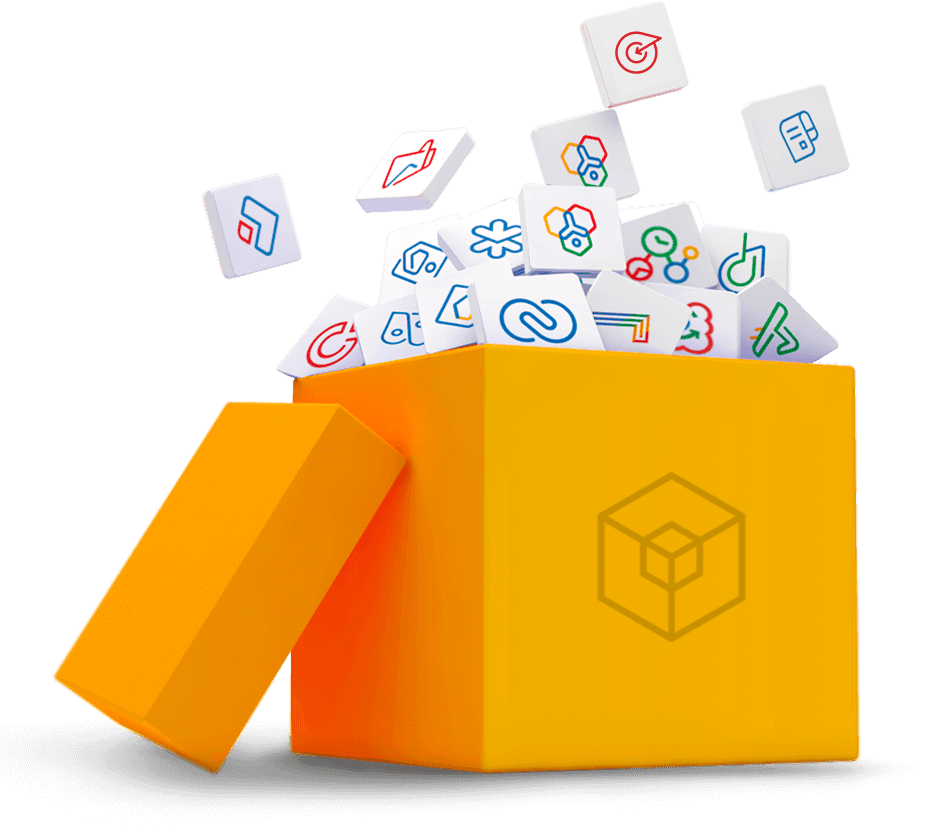
Instead of relying on multiple independent tools, Zoho One provides an integrated ecosystem where all applications work together seamlessly and efficiently.
This interconnected system simplifies workflows, reduces manual tasks, and facilitates cross-departmental collaboration. Zoho One lets you do it all without switching platforms. It's like having a centralized control panel to manage your entire business.
It is often described as an Operating System for Business because it centralizes all key operations within a unified ecosystem. It currently offers more than 45 natively integrated applications that support sales, marketing, finance, operations, human resources, and customer support. This approach provides a significant advantage over using isolated tools such as HubSpot, Slack, Trello, QuickBooks, WhatsApp, Asana, or Google Drive.
"The advantage of Zoho One is that instead of looking for all the information in different places, we have everything within one tool"
Moira Russell
International Business Development Manager
Key Features of Zoho One
Empower your team to collaborate seamlessly from anywhere.Our mobile apps make working on the go effortless, while administrators can easily add users, manage apps, and supervise devices from one centralized hub.
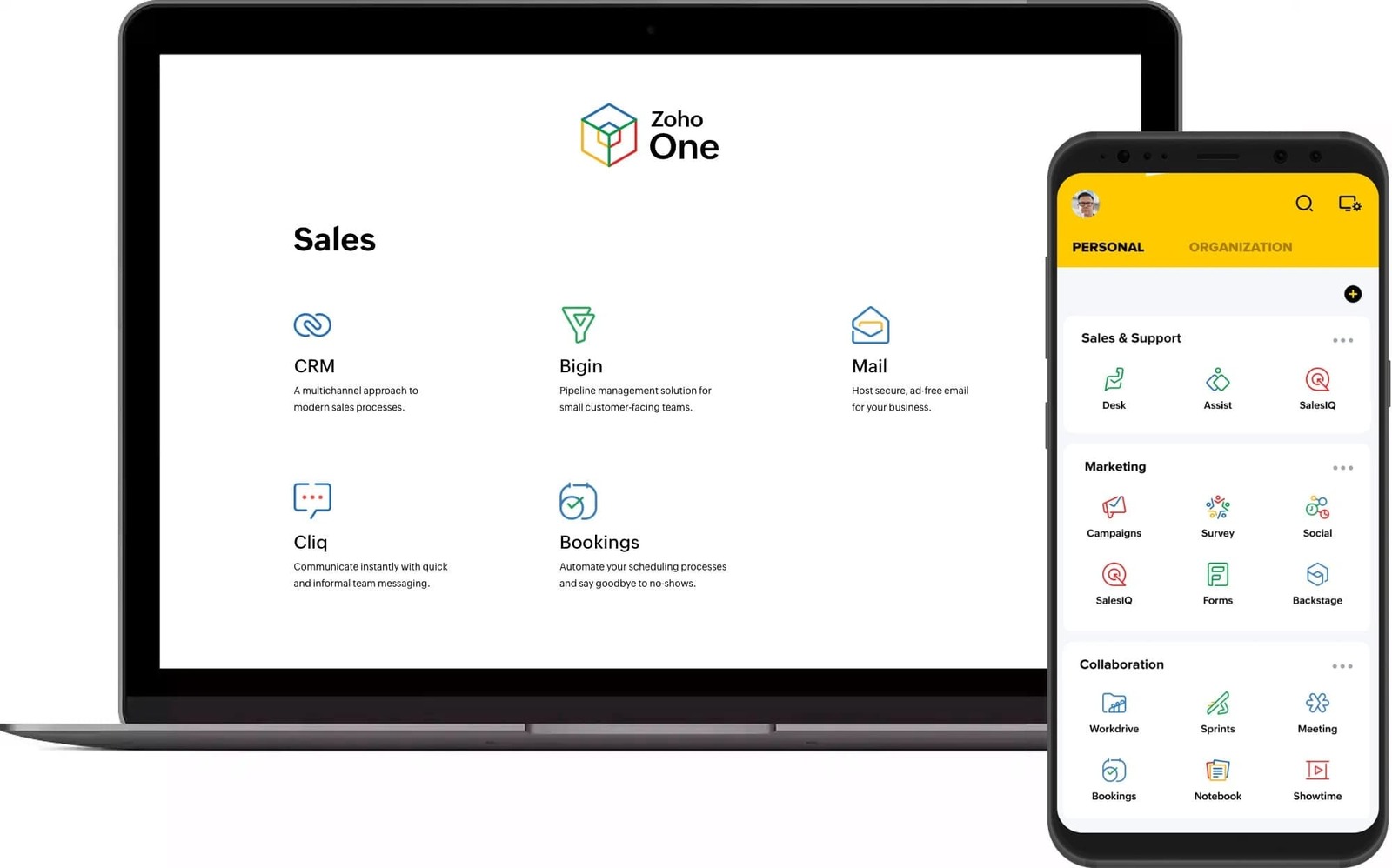
Avoid wasting valuable time searching for customer information scattered across multiple applications. With Zoho, all that data can be stored in a practical and systematized way, resulting in a significant increase in productivity.
In terms of interoperability, in addition to its natively integrated applications, Zoho also offers the ability to connect with over 1,000 third-party applications, such as Google Workspace, Slack, and Microsoft 365.
With a single sign-on (SSO), users can access the entire suite, eliminating the need to manage multiple accounts, passwords, and complex security settings.
Key Zoho Applications
While acknowledging the value of the other tools in the suite, we present a brief overview of some of the most prominent applications in the Zoho One ecosystem. This selection highlights how Zoho can help your business reach the next level simply and reliably.
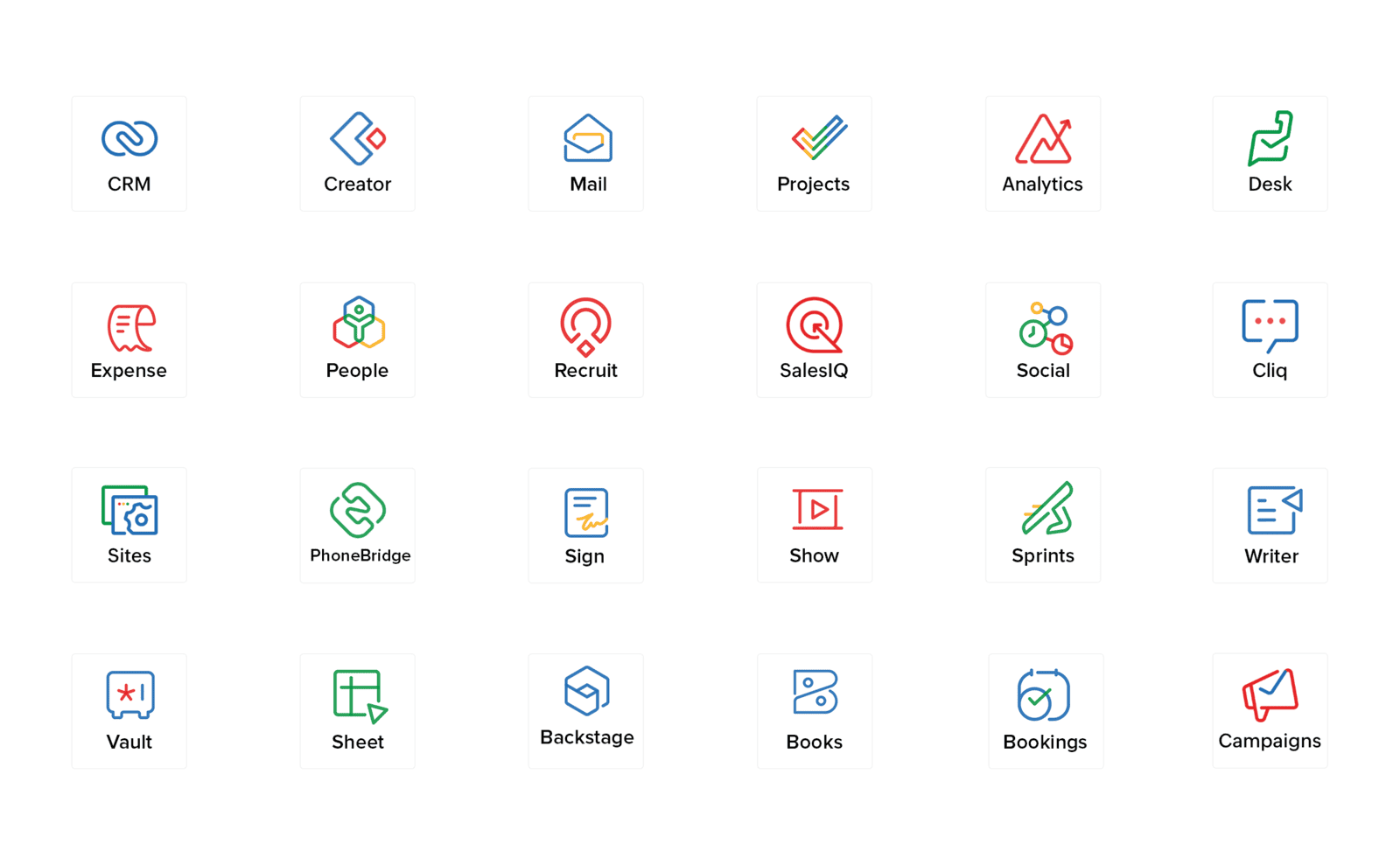
Zoho CRM manages the entire sales process, centralizing customer data, tracking interactions, automating tasks, and providing real-time insights to help teams sell more efficiently.
Zoho Books is an online accounting system for SMBs that automates invoicing, tracks expenses, reconciles accounts, and ensures tax compliance on a secure platform.
Zoho Creator is a low-code platform to build custom apps, automate workflows, create dashboards, and integrate with Zoho and third-party tools.
Zoho Projects helps teams plan, track, and deliver projects on time with task lists, Gantt charts, time tracking, collaboration tools, and automation.
Zoho People manages employee records, attendance, leave, performance, and onboarding, streamlining HR processes and boosting engagement.
Zoho Analytics transforms data into insightful reports and dashboards, helping you visualize trends, measure performance, and make data-driven decisions.
Getting Started with Zoho One
Getting started with Zoho One is very simple. You can obtain access by clicking the following link to Create Your Free Account If you also need guidance or want more detailed information about how Zoho One can support your business, feel free to contact us through this link our Zoho Certified Consultants are ready to assist you every step of the way.
Frequently Asked Questions (FAQs)
Do I need technical skills to start using Zoho On?
No. Most applications are easy to use, and the platform offers guided setup, templates, and support. If needed, our certified consultants can help you customize everything for your business.
Can Zoho One work with the tools I already use?
Yes. Zoho One integrates with more than 1,000 third-party apps, including Google Workspace, Microsoft 365, Slack, PayPal, and many more.
How can I start using Zoho One?
You can create an account directly here and start using the suite right away. Zoho offers a free trial so you can explore the applications before making a decision.
How can I receive personalized help to implement Zoho One?
If you need guidance, you can contact our Zoho certified consultants for personalized support. They help with setup, customization, data migration, and training to ensure a smooth and successful implementation.
Do I need to purchase the entire suite, or can I choose only the apps my company needs?
You can choose either option. Zoho offers individual applications if you only need specific tools. However, Zoho One provides full access to all apps at a single cost, making it a more complete and cost-effective solution for most businesses.
